STEP-BY-STEP GUIDE
1. Download the W-Tunnel Free App
- Visit the iOS App Store or Android Play Store on your mobile device.
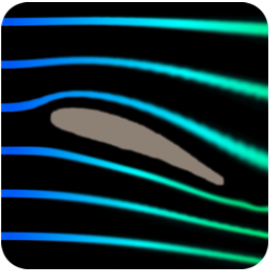
- Search for “Wind Tunnel Free” and download the app. [1]


2. Navigate the Main Menu
- Open the Wind Tunnel Free App.
- You’ll see a main menu with a variety of options.
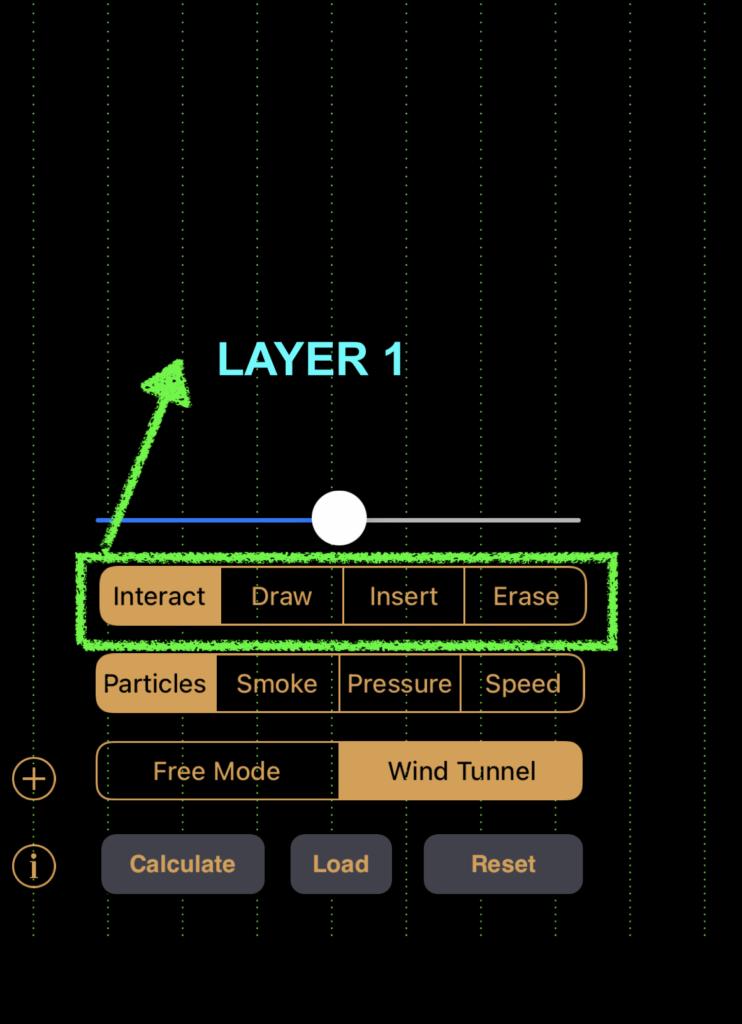
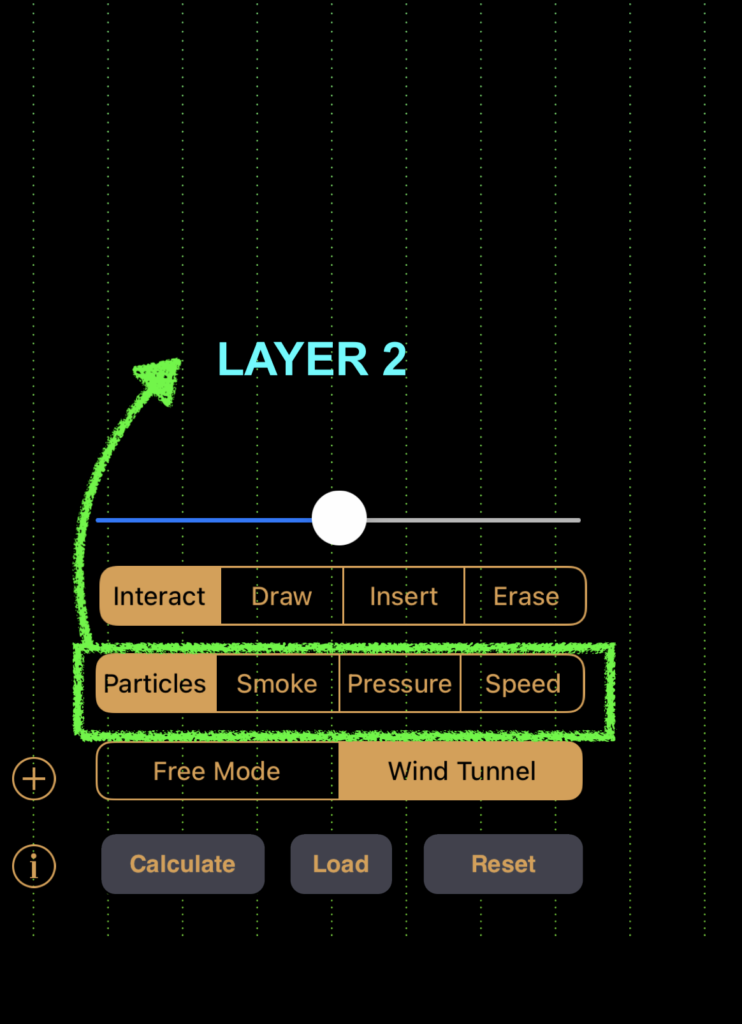
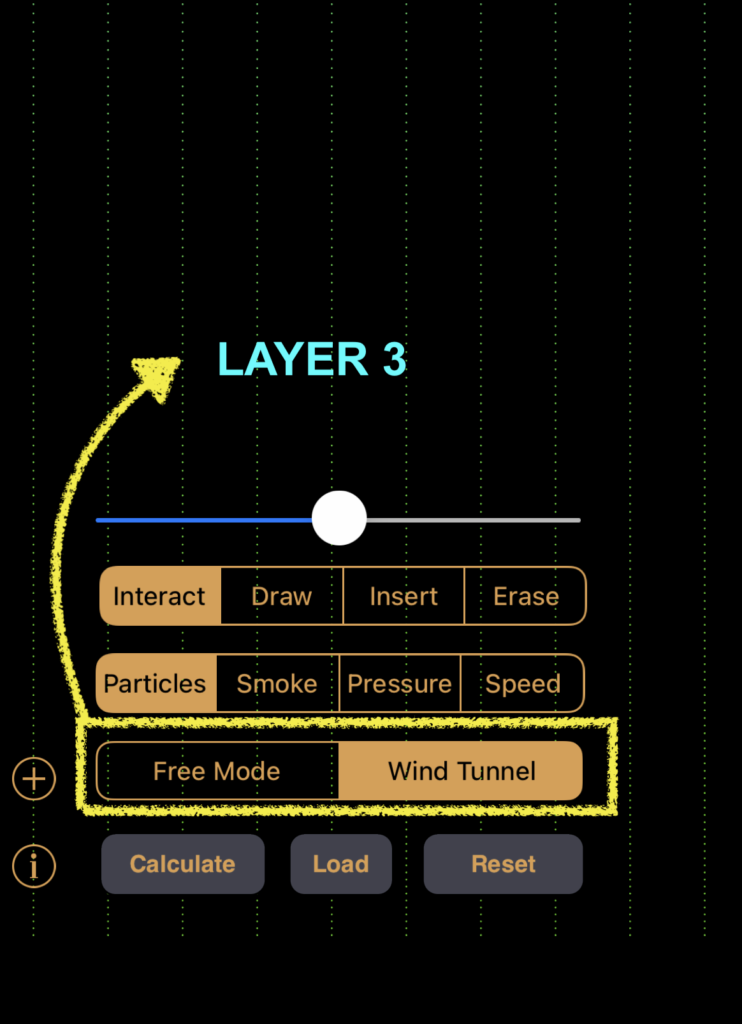
The menu bars can be divided into 3 layers as follows:
2.1. TOUCH MENU


| MENU OPTION | FUNCTION |
|---|---|
| INTERACT | Use your fingers to disrupt the fluid flow path and observe the resulting interruptions. |
| DRAW | Create custom shapes and see how the incoming fluid interacts with them. |
| INSERT | Add new fluid field lines to the flow path. |
| ERASE | Act as an eraser to remove elements. |
2.2. VISUALIZATION MENU
| MENU OPTION | FUNCTION |
|---|---|
| PARTICLES | Observe the particle path and try disrupting it to view what happens |
| SMOKE | Draw the points of origin of the the smoke patterns to be visualized |
| PRESSURE | Adjust the pressure of the fluid |
| SPEED | Adjust the speed of the fluid |
2.3. SIMULATION MENU
| MENU OPTION | FUNCTION |
|---|---|
| WIND TUNNEL | Simulates streamlined uniform flow similar to that in the wind tunnel(with adjustable wind speed) |
| FREE MODE | Simulates random particle motion(with no wind speed control) |
2.4. ADDITIONAL OPTIONS
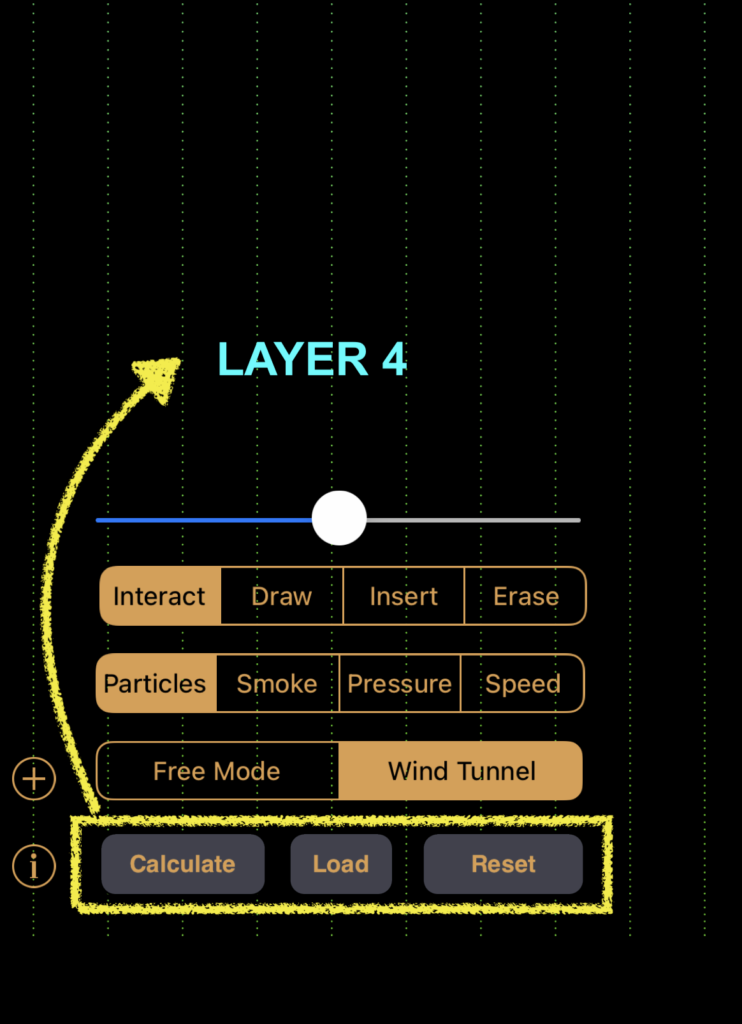
| MENU OPTION | FUNCTION |
|---|---|
| CALCULATE | Determine flow parameters such as lift and drag. |
| LOAD | Choose and load a specific airfoil shape from the available list of objects. |
| RESET | Restore all settings to their default values. |
LIMITATIONS
Wind Tunnel App primarily provides ONLY qualitative descriptions of fluid flow, lacking in precise quantitative data. Try out the Wind Tunnel App yourselves and view beautiful flow visualizations as follows!
REFERENCES
[1] Algorizk, and Rizk, G., “Wind Tunnel” [Online]. Available: https://www.algorizk.com/.
Search
Proudly powered by WordPress